
Account access and billing · 6 min read
Account settings, appearance, and activity log
Update the account name, choose a local appearance mode, and filter available account activity.
Account name and appearance
In Settings, choose Account and General. Admins can change the account name. Anyone who can open the page can choose Follow system, Light, or Dark for this browser.
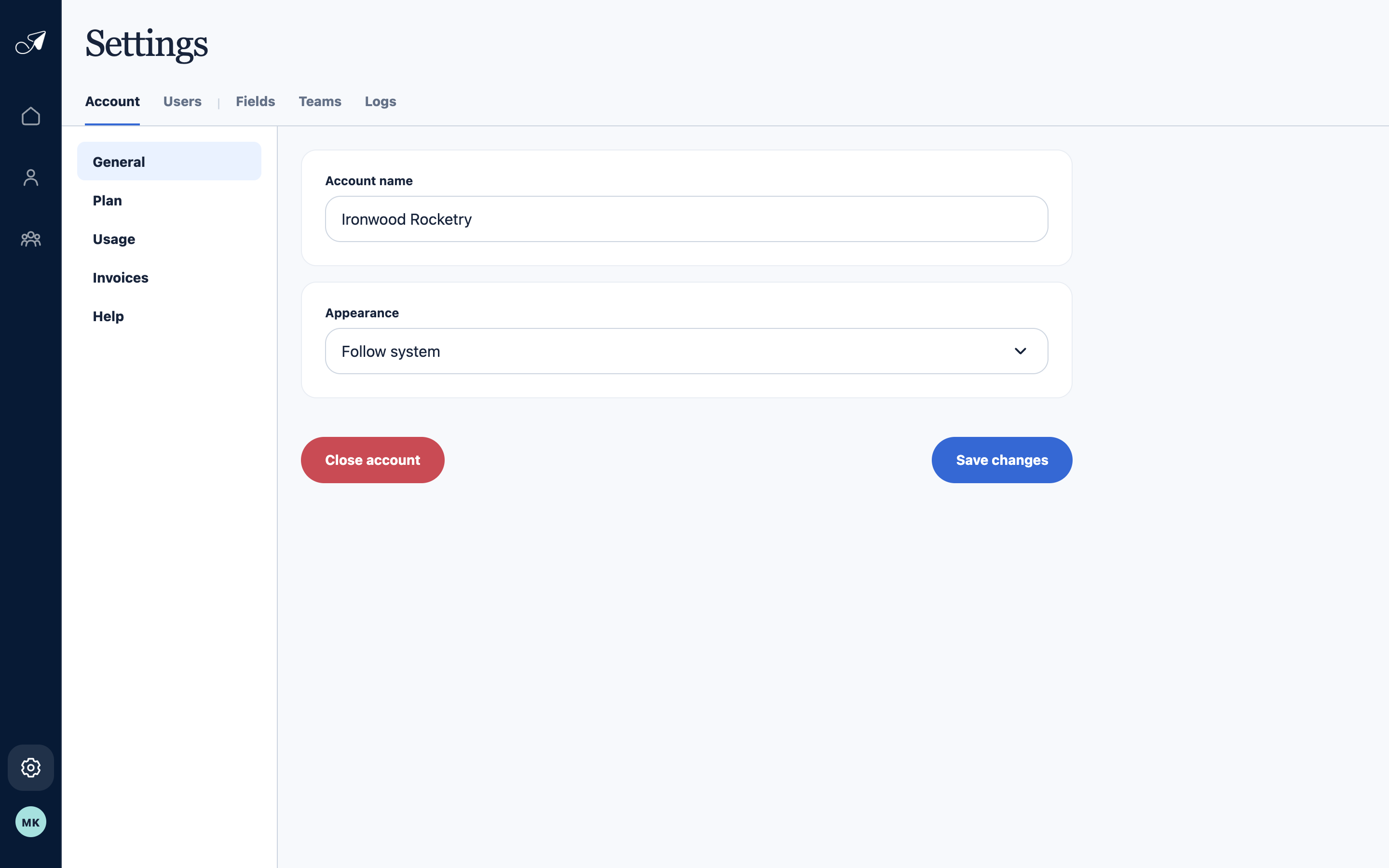
General settings keep the account identity and this browser's appearance preference together.
- 1Account sections
- 2Account name
- 3Appearance preference
- 4Account closure control
Search the activity log
- Choose Logs
Open the top-level Logs tab in Settings.
- Search or filter
Narrow available activity by text, type, user, or date range.
- Open supported records
People imports show row outcomes, People exports show readiness and download state, and administrative entries summarize supported directory-field or person changes.
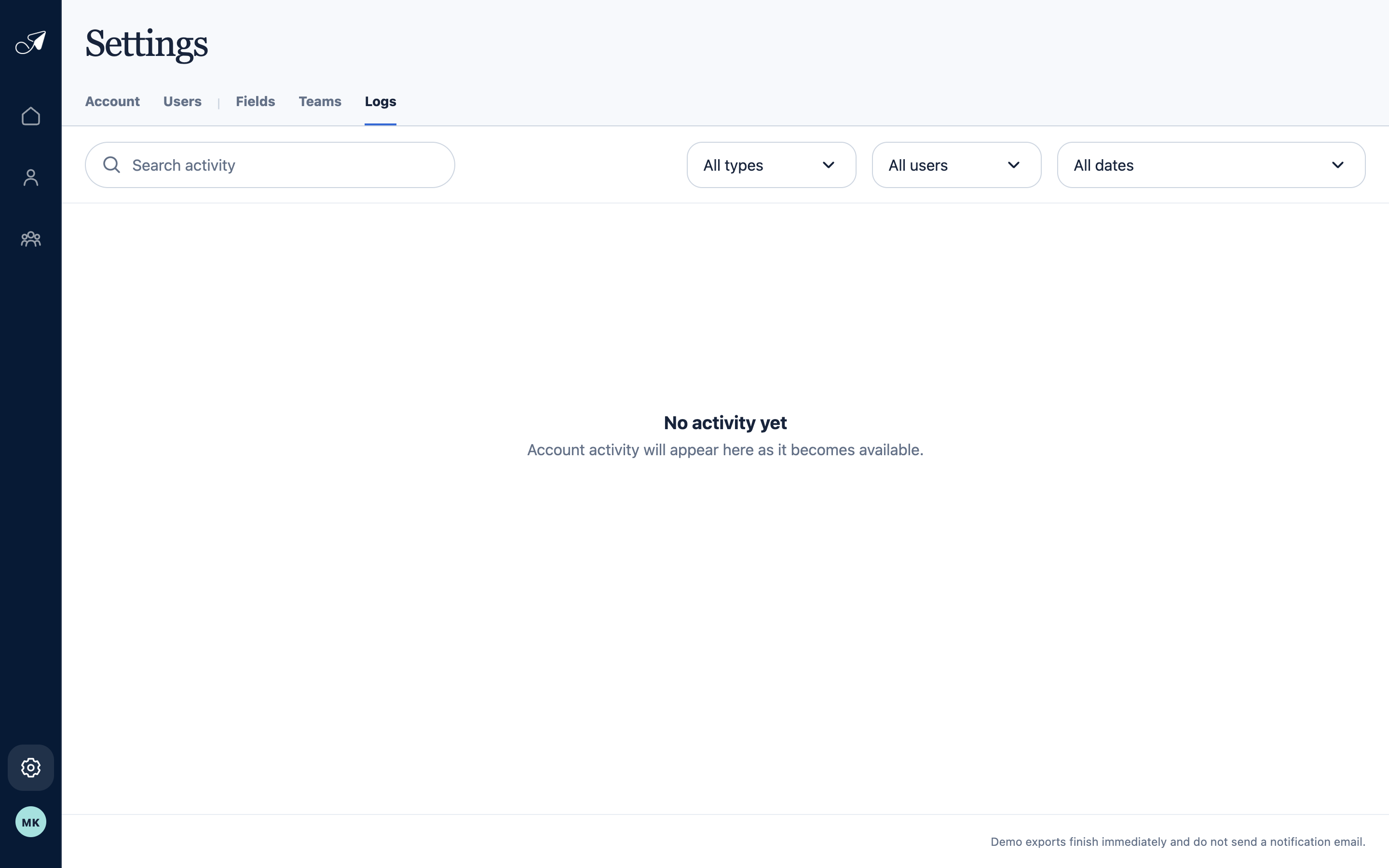
Use Logs to narrow available import, export, and administrative activity by text, type, actor, or date.
- 1Logs tab
- 2Activity search
- 3Type and user filters
- 4Date filter