
Imports, exports, and fields · 5 min read
Review import history and results
Compare the proposed preview with final row outcomes and retrieve useful failure details.
Find a previous import
- Open People
Choose Imports to return to the import workspace.
- Find Import history
Use the recorded time, file label, status, and row totals to identify the run.
- Open the result
Review how many rows created people, updated people, failed, or were skipped. Download the failure report when one is available.
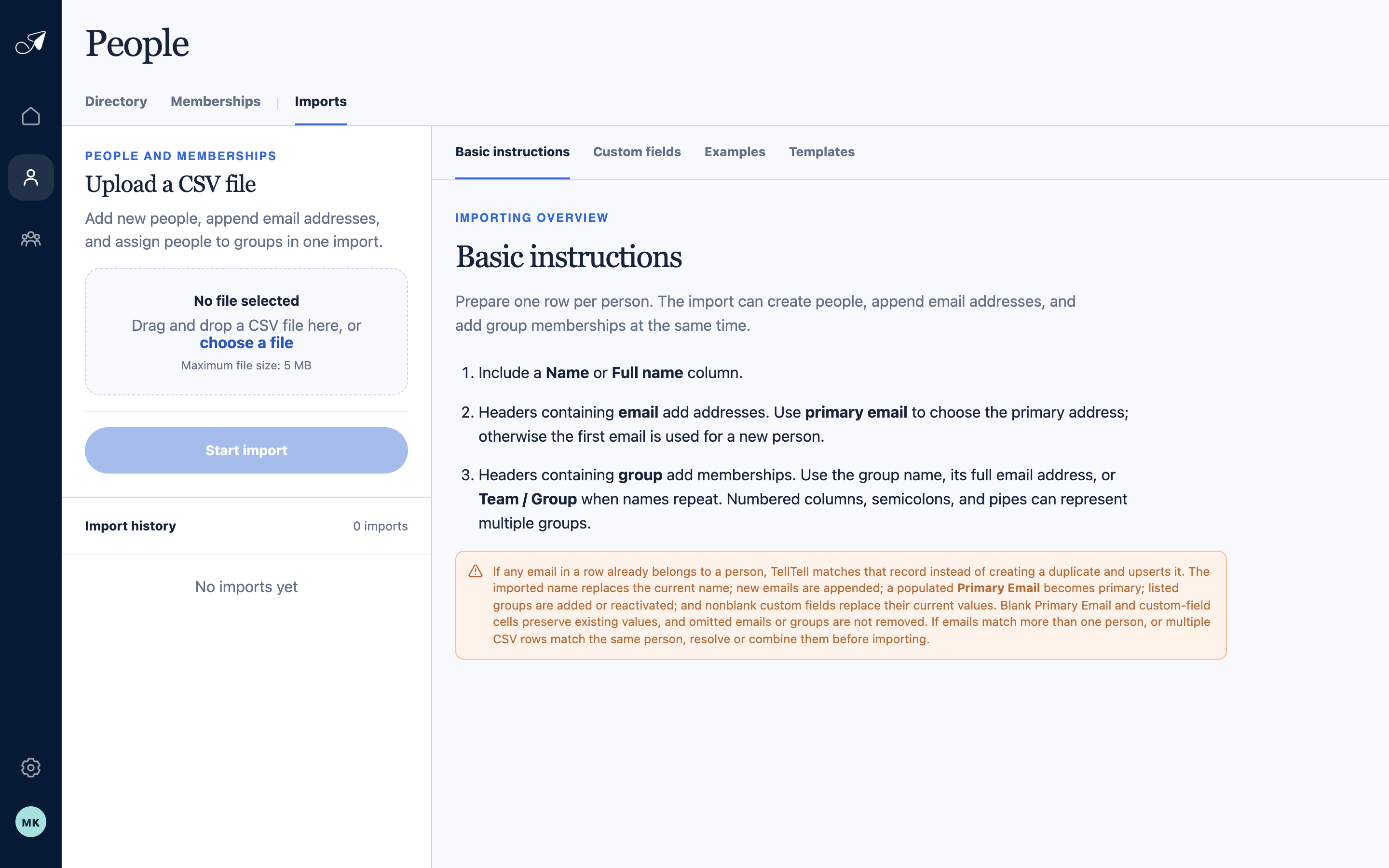
The Imports workspace keeps preparation guidance, upload, preview, and prior results in one place.
- 1Imports tab
- 2Preparation instructions
- 3CSV upload
- 4Import history
Interpret the saved outcome
- Preview totals describe the proposed plan. History records what happened when valid rows were applied.
- TellTell revalidates every row during the save, so a row can fail if the directory changed after preview.
- A partial result means successful rows remain saved while failed rows are recorded for correction.
- Membership additions use the normal group welcome behavior configured for that group.
Keep the source file you need
TellTell stores the import plan and row outcomes needed for history and support. The backend does not retain the raw uploaded CSV as a permanent source-file archive.