
For group members · 5 min read
Contact your group’s organizer
Choose an appropriate private route and provide the group, address, time, and requested membership change.
Contact the organizer for membership questions
The account's Admins and assigned team Managers control the People record, email addresses, memberships, sender permissions, replies, and re-invitations. TellTell does not publish their private directory contact details on a public member page.
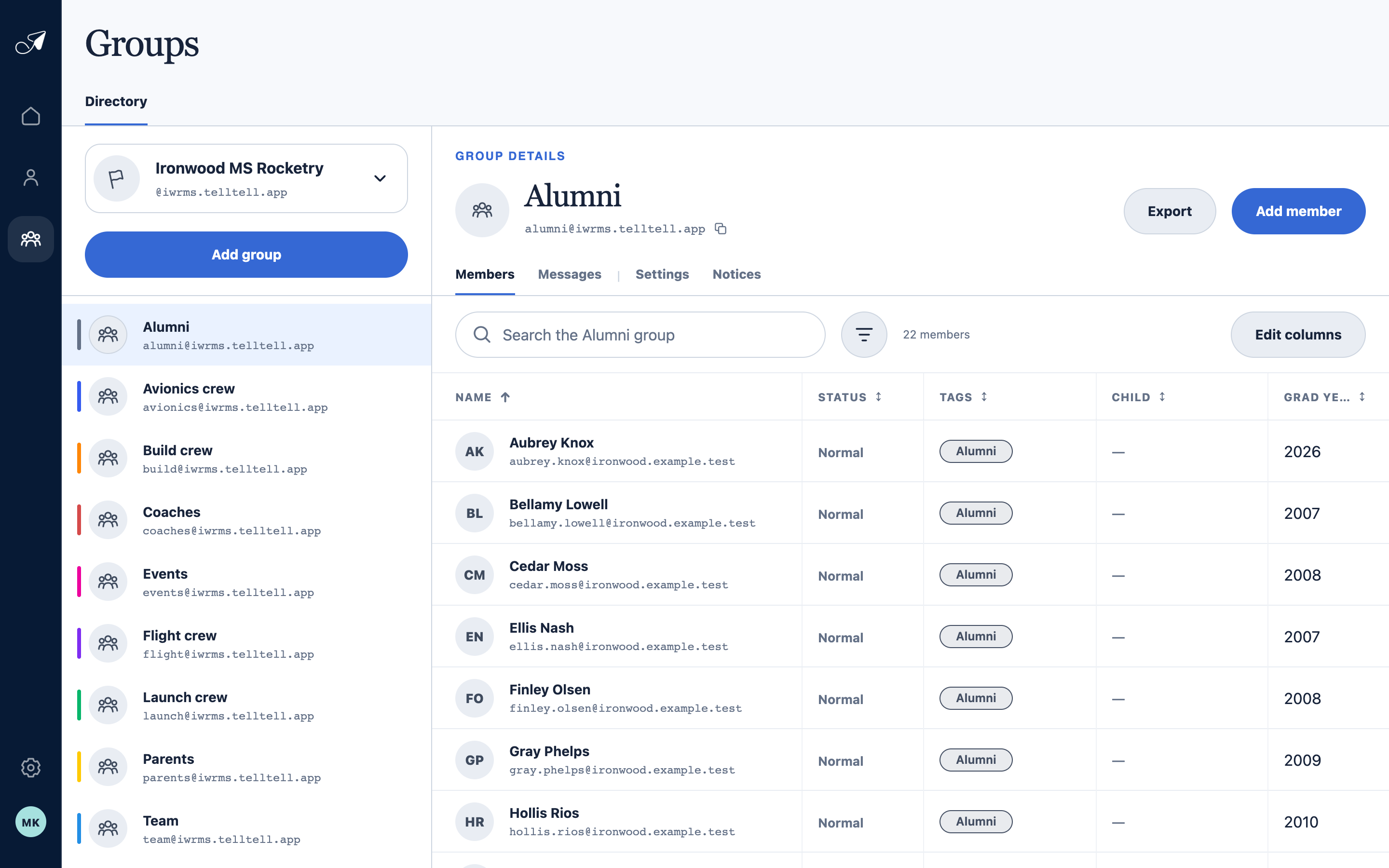
The team and group names in a TellTell footer help an organizer locate the exact group that sent the message.
- 1Team name and domain
- 2Groups in the team
- 3Selected group address
- 4Organizer's member view
Use the safest available contact route
- Reply to the original sender when the draft's To field shows a direct person or organizer address.
- Email the group address only when you are an allowed sender and the message belongs with the whole group.
- Use an existing school, club, team, or organization contact channel for a private membership correction.
- For an invalid re-invitation, ask the organizer to send a new one to the correct address.
Include enough detail to help
Provide the team and group names from the footer, your exact receiving address, the subject and approximate time, and the change you need. Do not forward another recipient's private unsubscribe or re-invitation link.