
Account access and billing · 7 min read
Payment methods, invoices, and payment recovery
Update Stripe-backed billing details, open invoices, and restore access after a failed payment.
Update payment and billing information
In Settings, choose Account and Plan. Admins can open Stripe's secure update flow for the default payment method or billing information. TellTell displays only safe payment details such as the brand, last four digits, and expiration.
Open invoice history
Choose Invoices to see the date, description, paid amount, and status of recent invoices. When Stripe provides a hosted invoice or PDF, select the row to open it in a new tab.
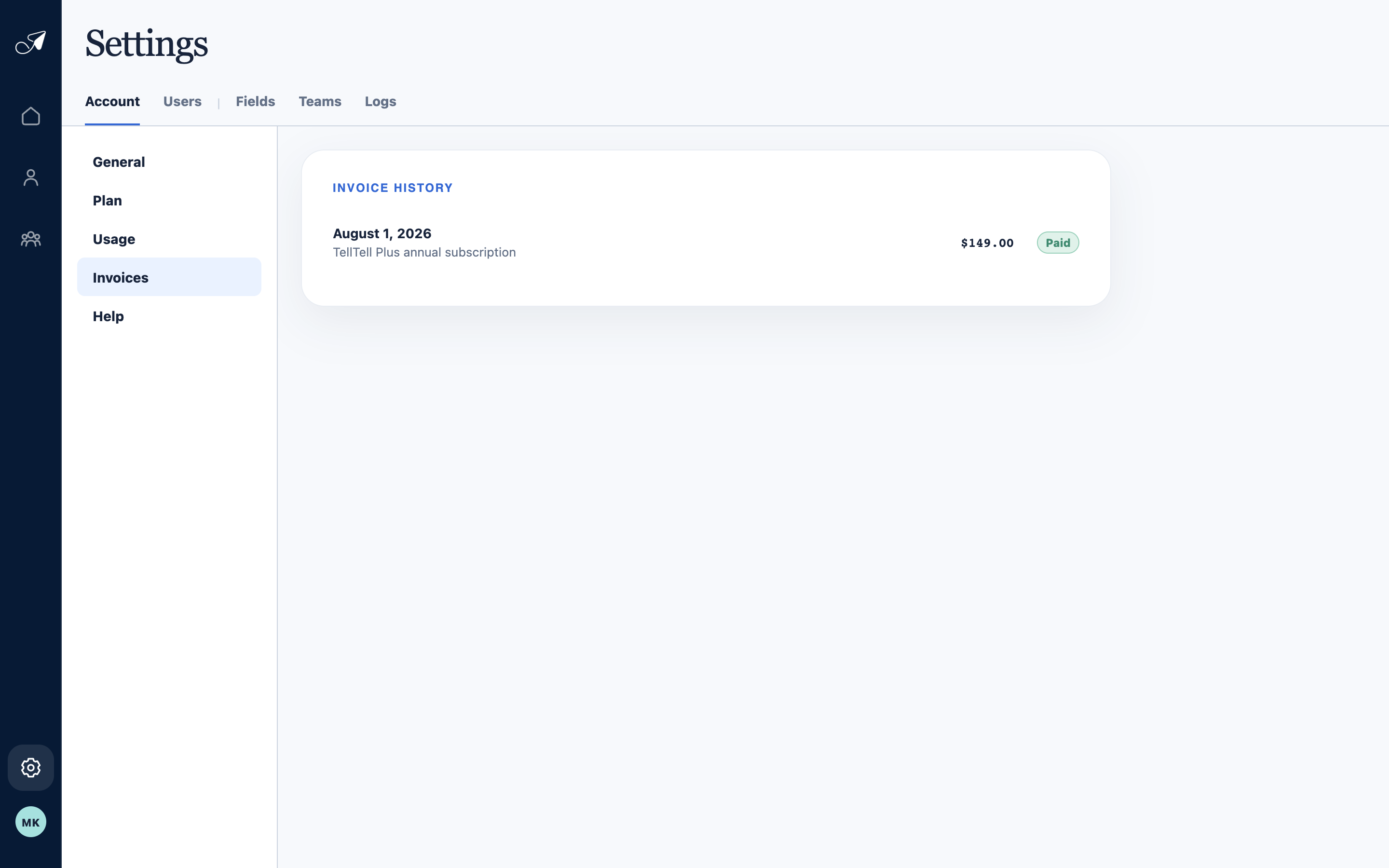
Invoice history gives Admins a direct route to available hosted invoice or PDF details.
- 1Invoices section
- 2Invoice date and description
- 3Amount
- 4Payment status
Recover from a failed payment
- Read the payment banner
TellTell pauses group mail as soon as payment fails and shows the time remaining in the seven-day recovery window.
- Update the payment method
An Admin should choose Update payment and complete Stripe's secure flow.
- Wait for confirmation
A successful canonical payment clears the recovery state and restores normal access immediately.