
For group members · 5 min read
Unsubscribe from a group
Use the recipient-specific footer link to stop one address from receiving one group's messages.
Stop messages for this address and group
- Open a message you received
Use a recent copy delivered to the address you want to unsubscribe.
- Choose Unsubscribe from this group
The required TellTell footer contains a recipient-specific link. Some mail clients also surface the same action near the message header.
- Review the confirmation
TellTell shows the receiving address, team, and group. Opening the page alone does not unsubscribe you.
- Choose Unsubscribe
The confirmation records an address-specific suppression for that group. The completed page offers Rejoin this group, and TellTell sends the same seven-day recovery link to the unsubscribed address in case the change was accidental.
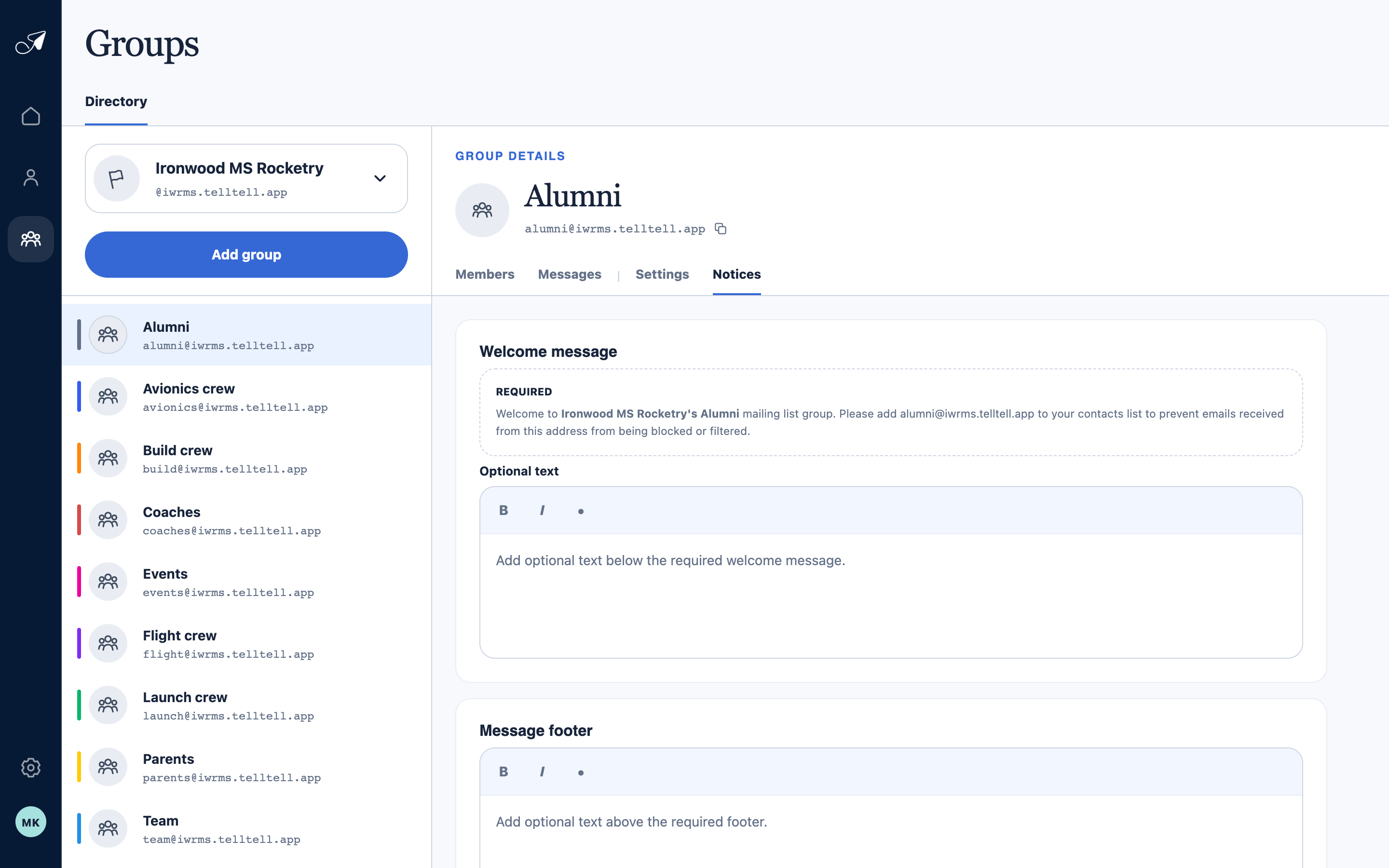
Organizers can add optional text; TellTell adds the required group identity and recipient unsubscribe link separately.
- 1Notices tab
- 2Required welcome message
- 3Optional welcome text
- 4Optional message footer
What the unsubscribe changes
- It stops future group deliveries to that one email address.
- It does not unsubscribe another address attached to the same person.
- It does not affect other TellTell groups, remove the person, or remove the group membership.
- By itself, receiving suppression does not change whether an address may send when the group permits member senders.